🎯
Competitive
Precision optimisations for every input and output surface — applied automatically at game launch.
🖱️Raw Input
Mouse accel bypass: on
Trackpad accel bypass: on
🖥️Display
Max refresh rate at launch
sRGB profile during games
🔊Audio
System default device
48kHz auto-matched
🖥️Gaming Monitors
Plug in a monitor to activate
DDC registry covers 50+ models
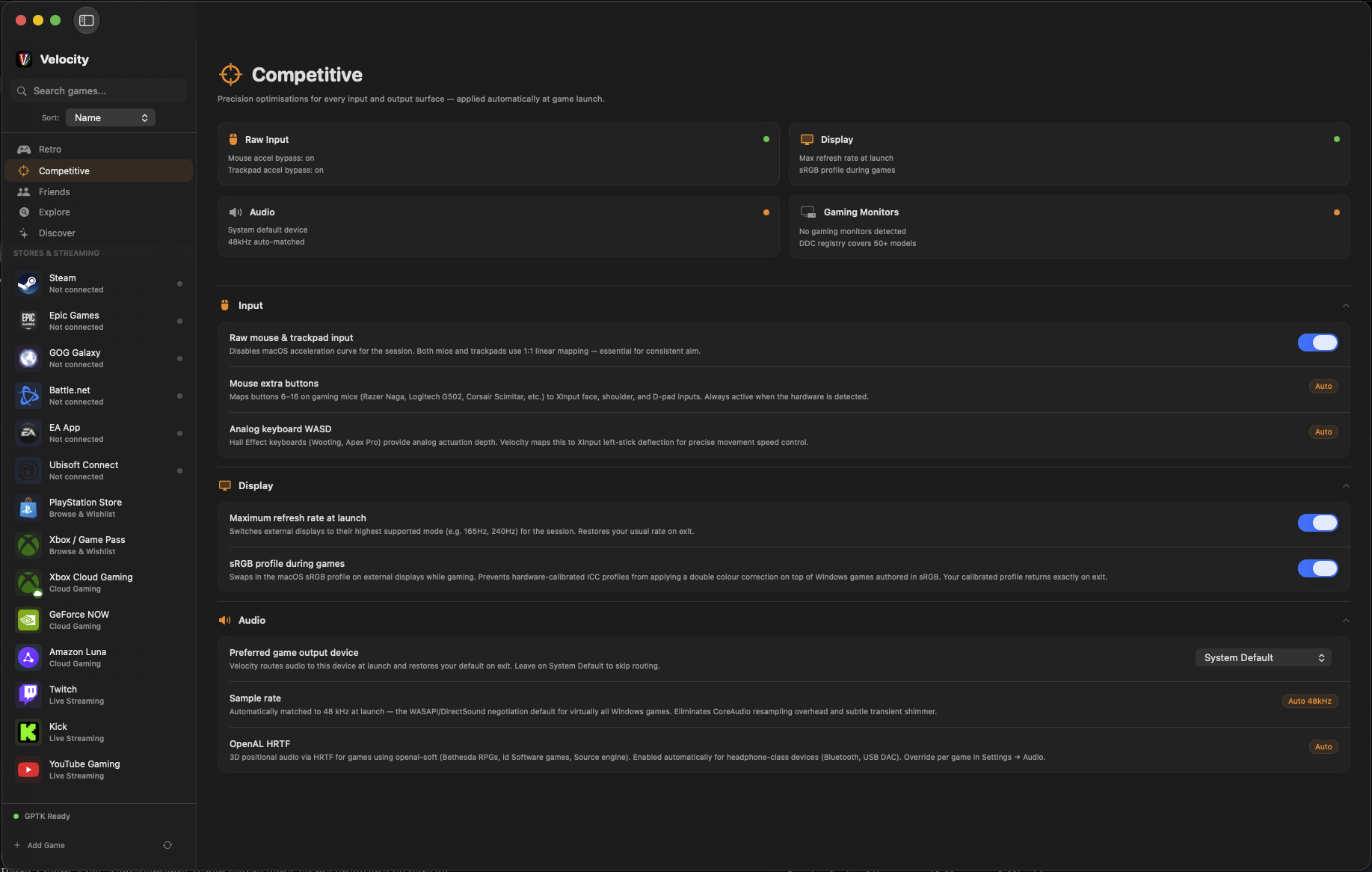
The actual Competitive panel — every setting applied automatically at game launch.
🖱️Input
Raw mouse & trackpad input
Disables macOS acceleration curve for the session. Both mice and trackpads use 1:1 linear mapping — essential for consistent aim. If your sensitivity felt different on Mac than Windows, this is why. Toggle it on and it disappears.
Mouse extra buttons
Maps buttons 6–16 on gaming mice (Razer Naga, Logitech G502, Corsair Scimitar, etc.) to XInput face, shoulder, and D-pad inputs. Velocity detects the hardware automatically — your macro buttons just work.
Auto
Analog keyboard WASD
Hall Effect keyboards (Wooting, Apex Pro) provide analog actuation depth — how far you press W controls how fast you walk. Velocity maps this to XInput left-stick deflection for precise movement speed control in every game.
Auto
🖥️Display
Maximum refresh rate at launch
Switches external displays to their highest supported mode (e.g. 165Hz, 240Hz) for the session. Your monitor runs at its peak refresh rate while you play, then restores your usual rate when you quit. No manual switching.
sRGB profile during games
Swaps in the macOS sRGB profile on external displays while gaming. Prevents hardware-calibrated ICC profiles from applying a double colour correction on top of Windows games authored in sRGB. Your calibrated profile returns exactly on exit.
🔊Audio
Preferred game output device
Velocity routes audio to this device at launch and restores your default on exit. Switch to your headset for gaming, return to speakers for everything else — automatically.
System Default
Sample rate — 48kHz
Automatically matched to 48kHz at launch — the WASAPI/DirectSound negotiation default for virtually all Windows games. Eliminates CoreAudio resampling overhead and the subtle transient shimmer it introduces.
Auto
OpenAL HRTF
3D positional audio via HRTF for games using openal-soft: Bethesda RPGs, id Software games, Source engine titles. Enabled automatically for headphone-class devices (Bluetooth, USB DAC). Override per game in Settings → Audio.
Auto
What this means for your setup
🖱️
Will my mouse feel the same as Windows?
Yes. Raw input bypass removes macOS pointer acceleration entirely. You get 1:1 linear mapping — the same feel your muscle memory is built on.
🎮
My Razer Naga has 12 side buttons. Do they work?
Automatically. Velocity detects the hardware and maps buttons 6–16 to XInput inputs. Same for Logitech G502, Corsair Scimitar, and any multi-button mouse.
🖥️
Will my 240Hz monitor actually run at 240Hz?
Yes, at launch. Velocity switches your external display to its highest supported refresh rate when a game starts, and restores it when you quit.
⌨️
I have a Hall Effect keyboard (Wooting / Apex Pro). Will analog input work?
Velocity detects the keyboard and maps analog actuation depth to XInput left-stick movement. How hard you press W controls your speed — exactly as it does on Windows.
🎧
Will my headset and voice comms work?
Yes. USB and Bluetooth headsets work natively. Discord, TeamSpeak, and in-game voice all work through Velocity. Your teammates will never know you're on a Mac.
⌨️
What about my gaming keyboard's macros?
In-game binds work as-is. If you use software-side macros (iCUE, Synapse, G HUB), save them to your keyboard's onboard memory before switching — those profiles live on the device and carry over.
What your peripherals do and don't carry over
✓ Works without any setup
✓USB and Bluetooth keyboards
✓USB and Bluetooth mice
✓USB and Bluetooth headsets
✓Gaming mice with onboard memory profiles
✓DPI settings stored on the mouse
✓Keyboard macros stored on the keyboard
✓Xbox, DualSense, Switch Pro controllers
✓Discord, TeamSpeak, in-game voice
✓Steam overlay
⚠ Needs a one-time step
⚠Razer Synapse macros
Save profiles to onboard memory in Windows first
⚠Logitech G HUB profiles
Save to G-Series onboard storage before switching
⚠Corsair iCUE lighting / macros
Save to hardware profile in iCUE on Windows
⚠SteelSeries GG profiles
Enable on-board mode in GG on Windows
✗ Not available on Mac
✗Fortnite
Kernel-level anti-cheat (Epic hasn't opted Mac in)
✗Valorant
Vanguard requires ring-0 Windows kernel access
✗PUBG
BattlEye kernel driver — developer hasn't enabled Linux runtime
✗Rainbow Six Siege
BattlEye — Ubisoft hasn't enabled Linux runtime
Competitive games — verified on Velocity
Tested with all Competitive optimisations active on Apple Silicon.
Velocity VerifiedPlays great. No caveats.
PlayableWorks well, minor rough edges.
ExperimentalRuns, needs some setup.
Not SupportedKernel anti-cheat blocks it.
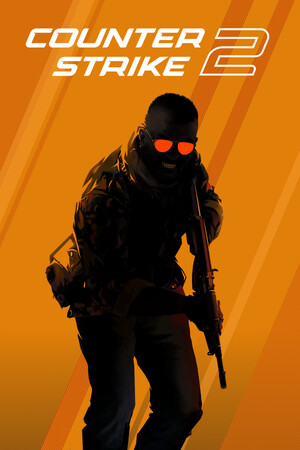
Counter-Strike 2
VAC works. Raw input. 120fps via ProMotion. Fully competitive.
Velocity Verified
VAC ✓
120fps+
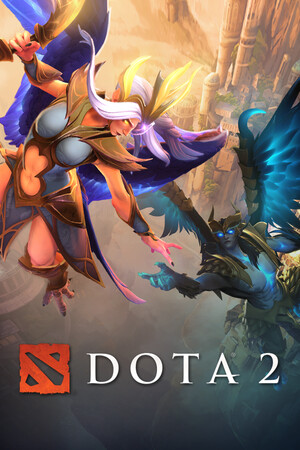
Dota 2
Full ranked play. 120fps on all M-series.
Velocity Verified
VAC ✓
120fps+

Baldur's Gate 3
Native Mac. Full co-op. DualSense haptics.
Velocity Verified
None
120fps
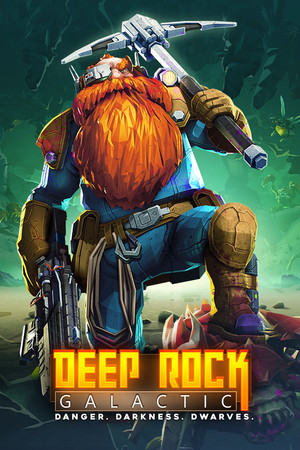
Deep Rock Galactic
EAC with Linux runtime. Online co-op fully working.
Velocity Verified
EAC ✓
120fps+

Halo: MCC
Game Pass Day 1. All campaigns + multiplayer.
Velocity Verified
None
120fps+

Cyberpunk 2077
DLSS + FrameGen. One of the most demanding titles — maxed.
Playable
None
~97fps

Forza Horizon 5
Game Pass Day 1. Smooth on M3 Pro+.
Playable
None
~90fps

Elden Ring
EasyAntiCheat bridged. Seamless Co-op mod works. Full PvP.
Experimental
EAC bridged
~97fps
Your setup. On Mac. From day one.
Every Competitive optimisation is free. Applied automatically. Nothing to configure.
It just plays.